Automola + Slack
where your team already talks.
Slack stays your team chat. Automola helps work happen in it — surfacing what needs a human, routing the request, posting receipts, and putting approvals one tap away.
Automola + Slack means Automola can act as an AI workflow layer around Slack: it watches approved signals, drafts or runs routine next steps, holds sensitive decisions, and leaves a receipt tied to the source.
What Slack is doing.
Slack is a team messaging platform for channels, direct messages, and workflow notifications.
External reference: Slack official site
What Automola can own.
What is possible depends on your Slack workspace settings, app or API access, permissions, and the workflow you want Automola to run.
From the first lead to the next idea.
The same managers work every stage — and tie Slack to the rest of the tools you already run.
Nova surfaces the new lead or inbound request the moment it lands in a connected Slack channel, so nothing important scrolls away.
Sarah drafts the customer reply right in the thread and keeps the team aligned on who owes what, so no client falls through a busy channel.
Atlas routes work, posts receipts, and puts approvals one tap away in Slack — turning the place your team talks into the place work actually moves.
Pico keeps follow-ups and commitments from dying in the scroll, surfacing the next step before it is forgotten.
Use it when the tool has the record, but nobody owns the next step.
Important requests get lost in the scroll.
Approvals bounce around until someone finally answers.
Nobody has one place to see what got handled and what is waiting.
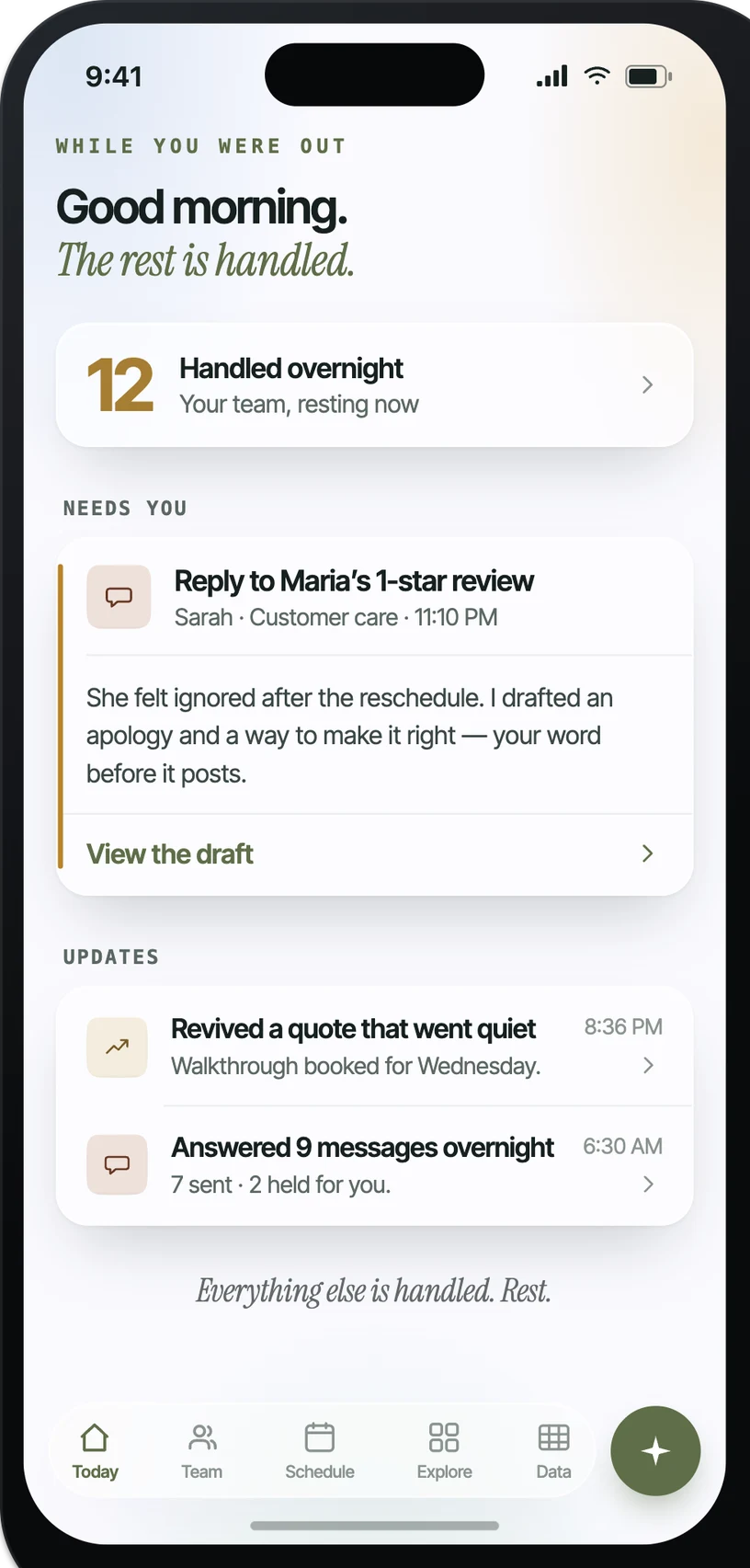
What it looks like in practice.
Example: when A request lands in a connected channel, Automola can reads it, prepares the next step, and routes it to the right owner.. The owner control is explicit: holds anything sensitive for an approve or hold in-thread.
What actually runs around Slack.
Practical workflow patterns, not a claim of a certified app.
The inputs Automola can watch.
The work Automola can prepare.
What never happens without your word.
Automola is built around a simple rule: it can move routine work, but it stops before anything that makes a new promise, changes access, affects money, or touches a sensitive customer situation.
Plain answers.
Is Automola a replacement for Slack?+
No. This is about running workflow and approvals inside Slack, not replacing it.
Will it read every message?+
Only the channels you explicitly connect, for the workflow you set up.
Start with Slack.Keep the owner in control.
Connect the tools you already use. Let Automola run the routine workflow around Slack, and keep sensitive decisions with you.