Automola + Google Calendar
for promises that need a real slot.
Google Calendar can hold the schedule. Automola helps turn lead replies, customer updates, and team handoffs into calendar-aware next steps.
Automola + Google Calendar means Automola can act as an AI workflow layer around Google Calendar: it watches approved signals, drafts or runs routine next steps, holds sensitive decisions, and leaves a receipt tied to the source.
What Google Calendar is doing.
The Google Calendar API exposes calendar and event features through authorized HTTP calls or client libraries, including events, calendars, calendar lists, settings, and access controls.
External reference: Google Calendar API overview
What Automola can own.
Implementation depends on Google authorization, scopes, shared calendar structure, booking rules, and whether Automola is allowed to create or only propose events.
From the first lead to the next idea.
The same managers work every stage — and tie Google Calendar to the rest of the tools you already run.
Nova turns a new lead into a booked slot on your Google Calendar and preps the context so the meeting or visit starts ready.
Sarah confirms, reminds, and follows up around every event, so booked time turns into done work and nobody is forgotten.
Automola keeps the calendar honest — no double-books, no gaps — and ties it to your inbox, CRM, and scheduling tools so the day flows.
Pico re-books the relationships worth keeping and surfaces the follow-ups that move work forward, straight from the calendar.
Use it when the tool has the record, but nobody owns the next step.
Customers ask for times in email, forms, or lead messages.
The owner keeps making schedule promises from memory.
Schedule changes create customer and crew communication that needs a reliable handoff.
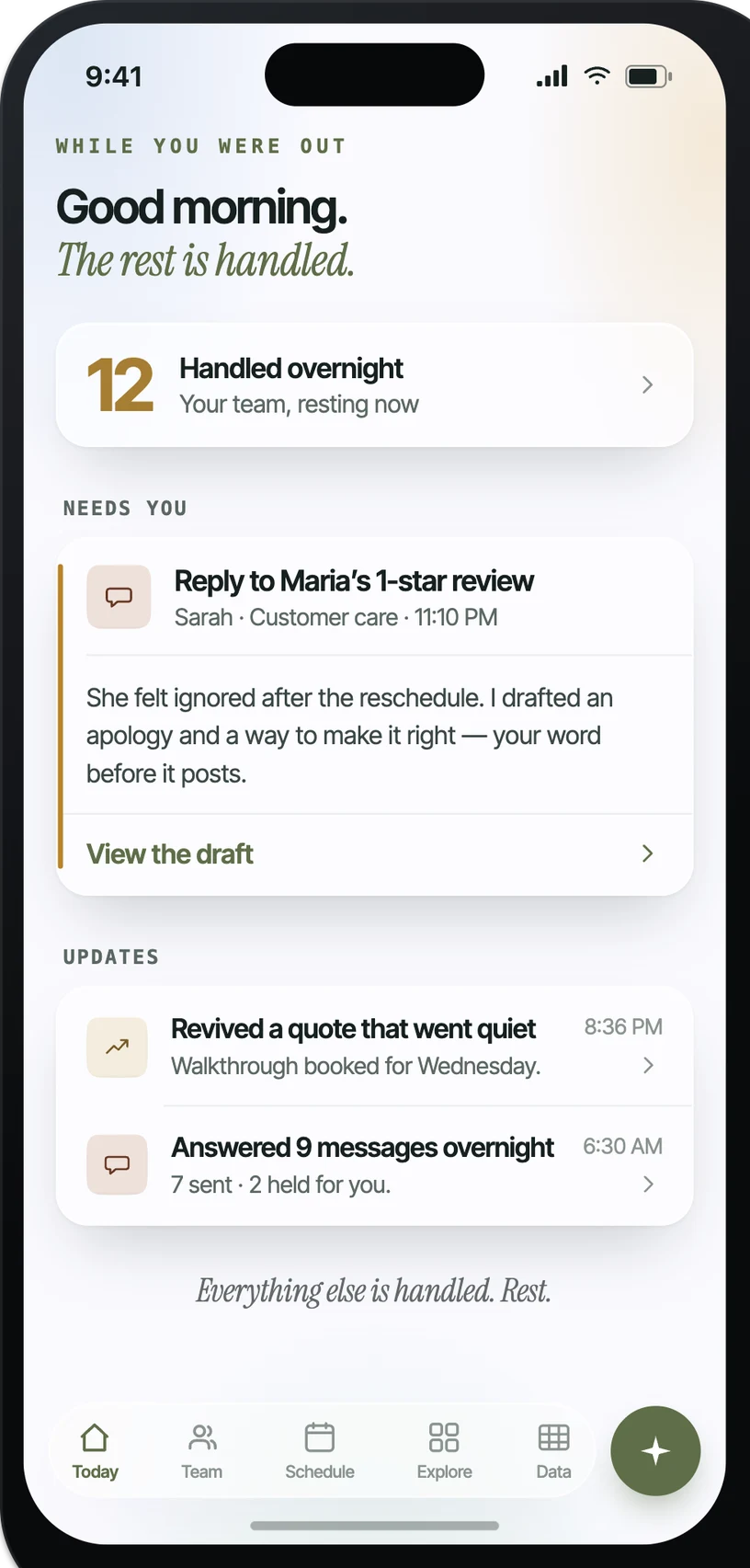
What it looks like in practice.
Example: when Lead asks for an appointment, Automola can checks approved calendars and drafts available windows or a booking response.. The owner control is explicit: holds after-hours, travel-heavy, or exception windows.
What actually runs around Google Calendar.
Practical workflow patterns, not a claim of a certified app.
The inputs Automola can watch.
The work Automola can prepare.
What never happens without your word.
Automola is built around a simple rule: it can move routine work, but it stops before anything that makes a new promise, changes access, affects money, or touches a sensitive customer situation.
Plain answers.
Can Automola book appointments on Google Calendar?+
It can when the implementation, calendar permissions, and owner-approved rules allow it. Otherwise it can propose windows and draft replies.
Can it work with multiple calendars?+
Yes, if the right calendars are shared and the rules define which calendars matter for each workflow.
What should require approval?+
Moves that affect arrival promises, crew capacity, access, cancellations, or price-sensitive work should usually hold.
Start with Google Calendar.Keep the owner in control.
Connect the tools you already use. Let Automola run the routine workflow around Google Calendar, and keep sensitive decisions with you.