Automola + Canopy
for the client chase around the work.
Canopy stays your practice-management system. Automola helps run the client work around it — chasing documents, sending reminders, and keeping clients updated through deadlines.
Automola + Canopy means Automola can act as an AI workflow layer around Canopy: it watches approved signals, drafts or runs routine next steps, holds sensitive decisions, and leaves a receipt tied to the source.
What Canopy is doing.
Canopy is practice-management software for accounting and tax firms, covering clients, documents, and workflow.
External reference: Canopy official site
What Automola can own.
What is possible depends on your Canopy plan, integration availability, permissions, and the workflow you want Automola to run.
From the first lead to the next idea.
The same managers work every stage — and tie Canopy to the rest of the tools you already run.
Nova answers prospective-client inquiries and gets the engagement moving — proposal, onboarding, documents — so a new client does not stall before the work starts.
Sarah chases the documents and signatures you are always waiting on and keeps clients updated, so engagements do not drag — the tax advice stays with you.
Atlas keeps Canopy tasks, deadlines, and client requests moving, so nothing slips during a busy season.
Pico surfaces advisory and additional-service opportunities and the referral asks worth making, for your team to act on — never giving tax advice.
Use it when the tool has the record, but nobody owns the next step.
Clients are slow to send documents.
Deadlines need steady reminders.
Status questions interrupt the work.
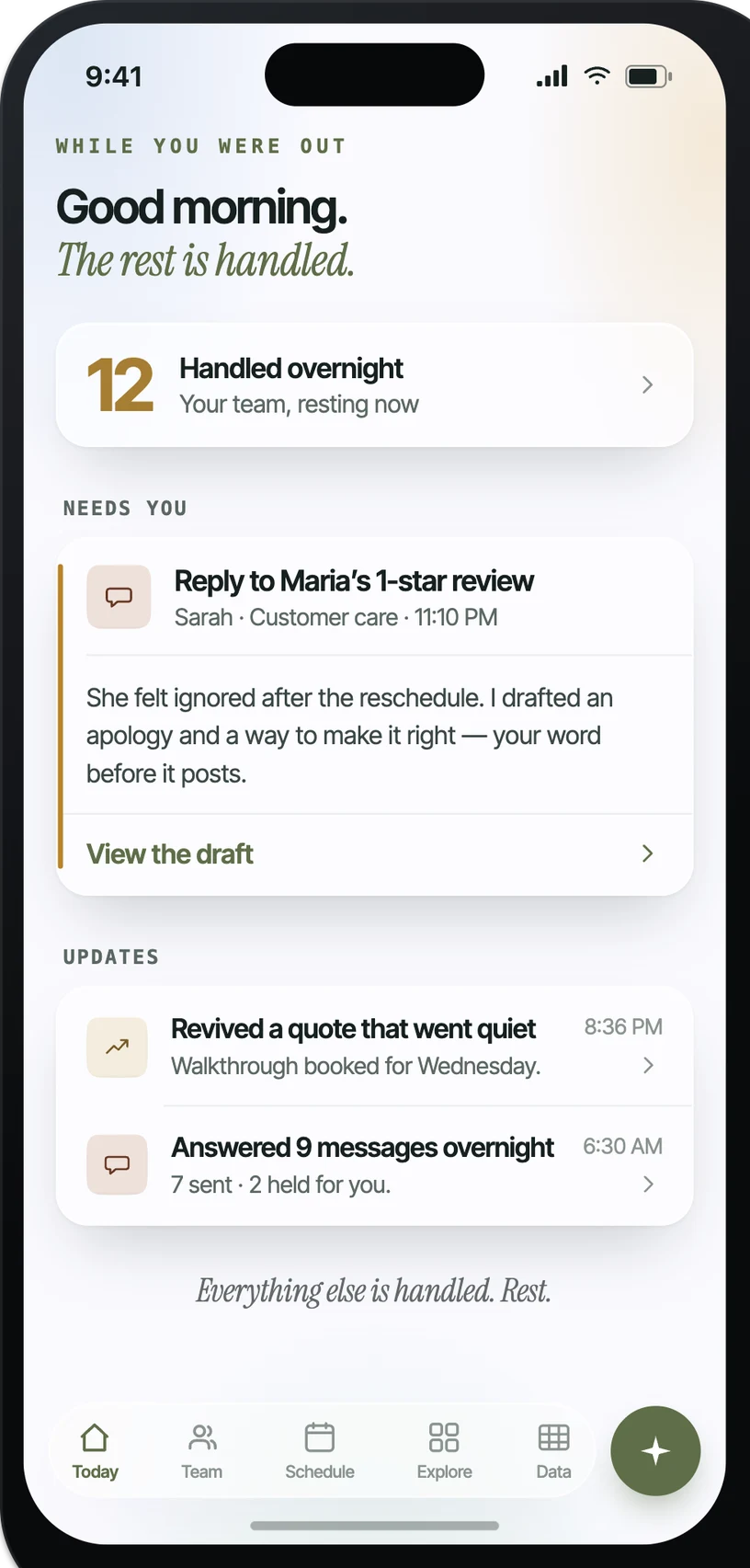
What it looks like in practice.
Example: when A document is missing, Automola can chases the client with the right ask.. The owner control is explicit: never gives tax advice.
What actually runs around Canopy.
Practical workflow patterns, not a claim of a certified app.
The inputs Automola can watch.
The work Automola can prepare.
What never happens without your word.
Automola is built around a simple rule: it can move routine work, but it stops before anything that makes a new promise, changes access, affects money, or touches a sensitive customer situation.
Plain answers.
Is Automola a replacement for Canopy?+
No. This is about workflow coverage around Canopy, not replacing it.
Will it give tax advice?+
No. Advice always holds for the firm; Automola handles the chase and reminders.
Start with Canopy.Keep the owner in control.
Connect the tools you already use. Let Automola run the routine workflow around Canopy, and keep sensitive decisions with you.